

NotebookLM Is Now Gemini Notebook. Here’s What I Built Instead.
How I connected it to Claude to build a study system that only quizzes you on your own sources.

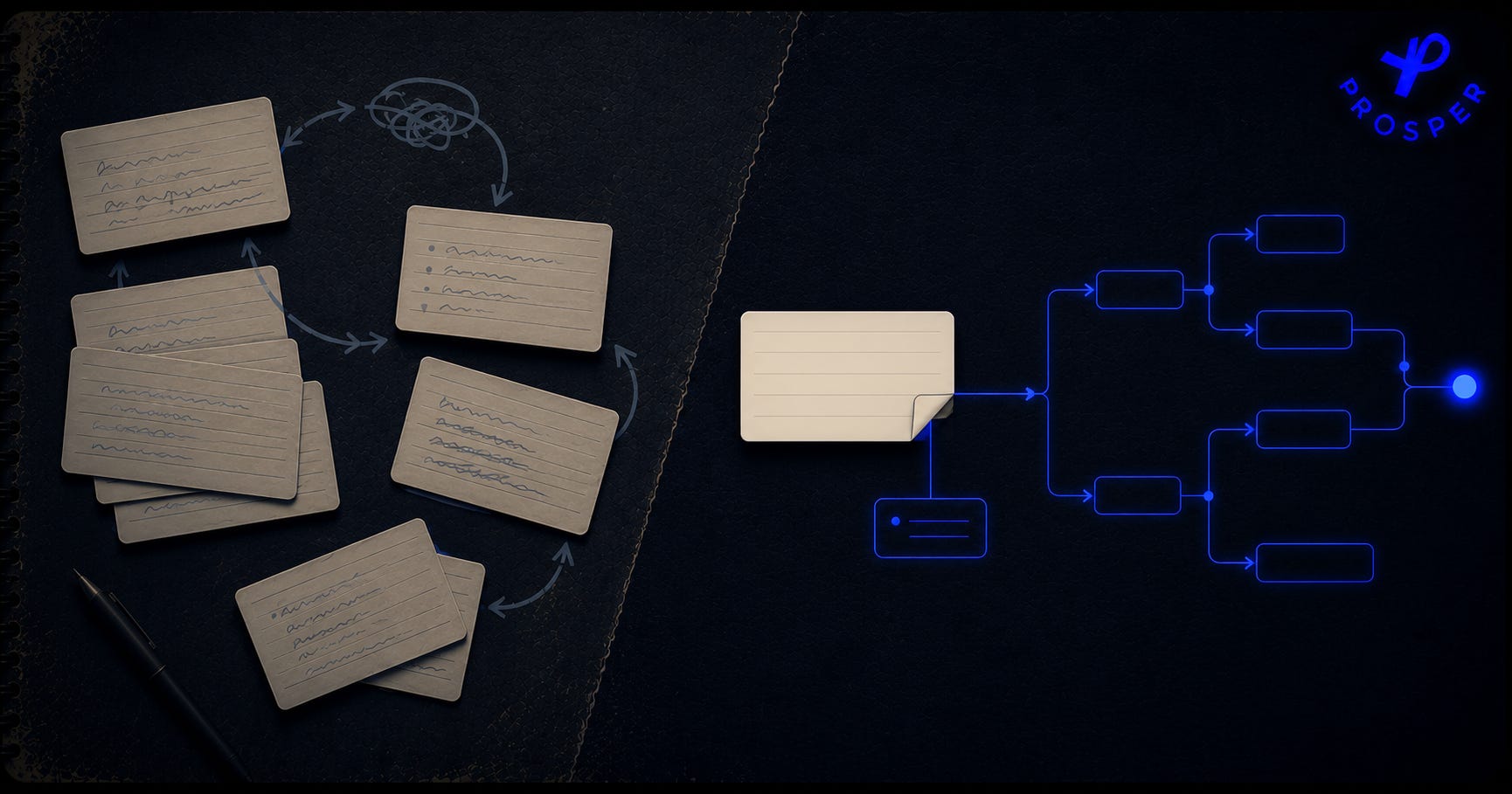
Did you see that Google renamed NotebookLM to Gemini Notebook? Exactly, it was done on a down low. I first noticed it on my phone.
Gemini Notebook is an incredible tool. It was previewed back in 2023, and now is being used by over 30 million people and over 600k organizations.
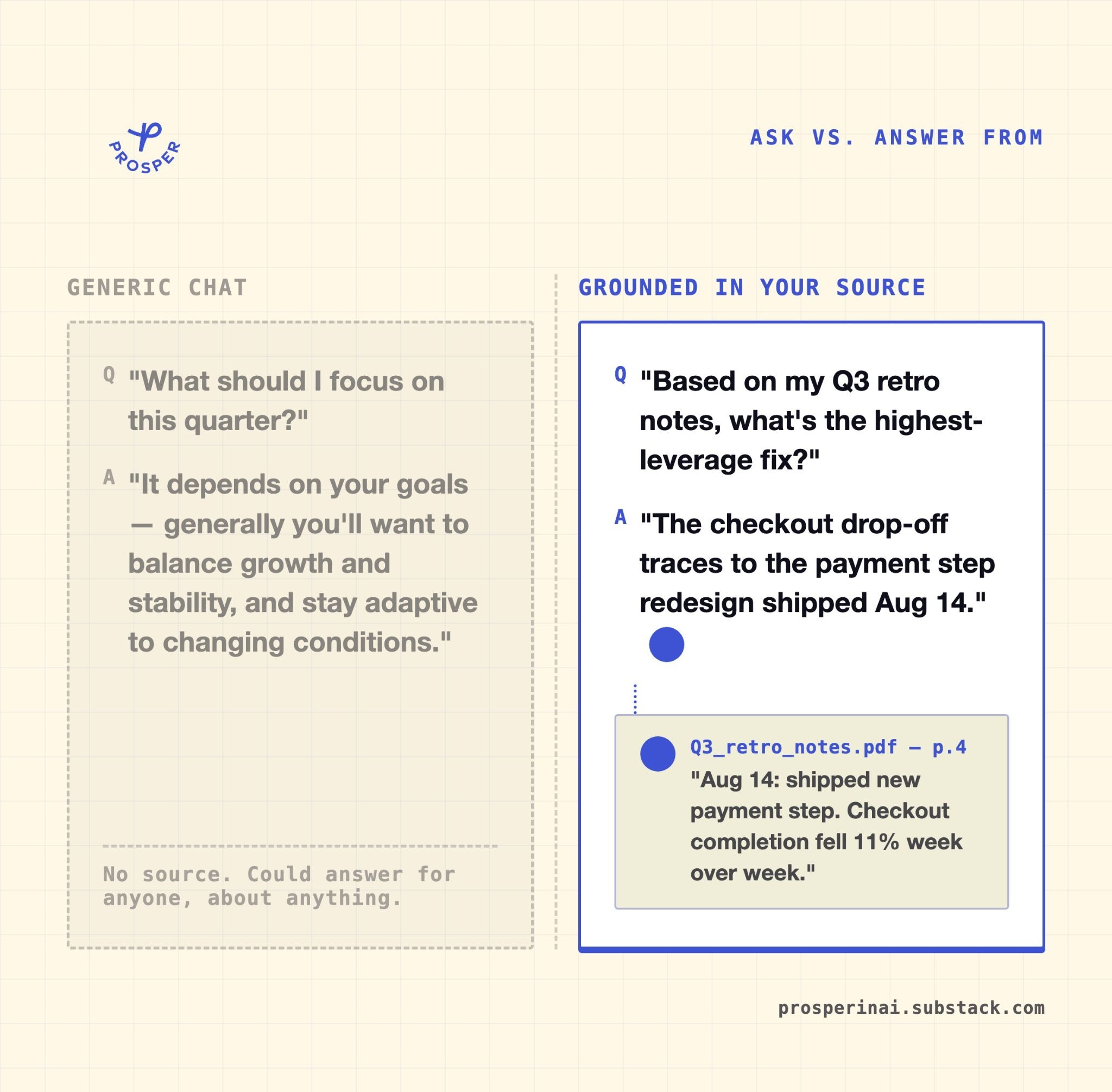
And there’s a reason why there’s so many people using it. It’s the best tool for learning...anything. But what’s more amazing about it is that you can upload a ton of sources into it and then ask questions just based on those specific sources.
But the problem with any other LLM is that it doesn’t know what sources exactly you’re talking about. In other words - it’s not grounded. So instead of telling it what YOU NEED to learn, LLM assumes what you need to learn.
My aspiration is to become an AI engineer. I love watching videos, and YouTube has a ton of knowledge that is shared by the brightest people in the world. So this was my first source and the main one when I was thinking about how to start the process. But then, I thought to myself - can I use Gemini Notebook together with Claude for studying?
And turns out, yes, I can!
I will show you in this post how to do it.
By the end of this post, you’ll have:
A working ”notebooklm-py” + Claude Code pipeline that turns any source material you pick into grounded quiz questions and a study checklist
A single folder holding everything in the pipeline: quiz, mind map, study guide instead of scattered across a browser tab and a terminal
A reusable, interactive artifact for tracking what you understand
The rebrand is not that important
On July 16, 2026, Google renamed NotebookLM to Gemini Notebook. It’s still the same tool, but now it’s folded into Google’s broader Gemini product line. The biggest change is that every notebook gets a cloud computer that can write and run code, and notebooks now sync with the Gemini app and, soon, Search’s AI Mode.
The unfortunate part is that Google gates the code-execution capability behind Ultra and Workspace plans right now, with Pro coming later and Free left out for now.
Google also ships its own study notebooks feature inside the Gemini app: one tutor voice, a diagnostic quiz, a progress dashboard. It’s nice, but not what this post is about, sorry Google.
The capability you need to understand: grounding
The capability that is unique to Gemini Notebook, it can hold up to 50 sources per notebook, each up to 500,000 words, all available for every query without competing for space in a context window. Feed it a lecture or a set of docs and everything it generates from that notebook is grounded only in what you gave it.
Literally the best piece of software to learn anything.
Everyone already believes AI can teach you things. But the Gemini notebook mechanism is a little bit different: the questions you get quizzed on come only from YOUR source.
I already built the bridge between Gemini Notebook and Claude Code back in May, using “notebooklm-py”, an unofficial Python library that lets you run every notebook command from your terminal without ever opening the browser tab. I used it then to [turn a notebook’s quiz into an eval set for a Claude skill:

This time, we’re going a bit further. I initially wanted to combine 2 ideas in this post, but decided to separate them into 2 different posts.
Below the paywall: the exact commands, step by step, to build this yourself, plus the actual “study-mode” folder to download and drop straight into Claude Code Desktop.
Let’s build it!
