

I Built My Own Local WisprFlow: Free, Offline, No Word Limits.
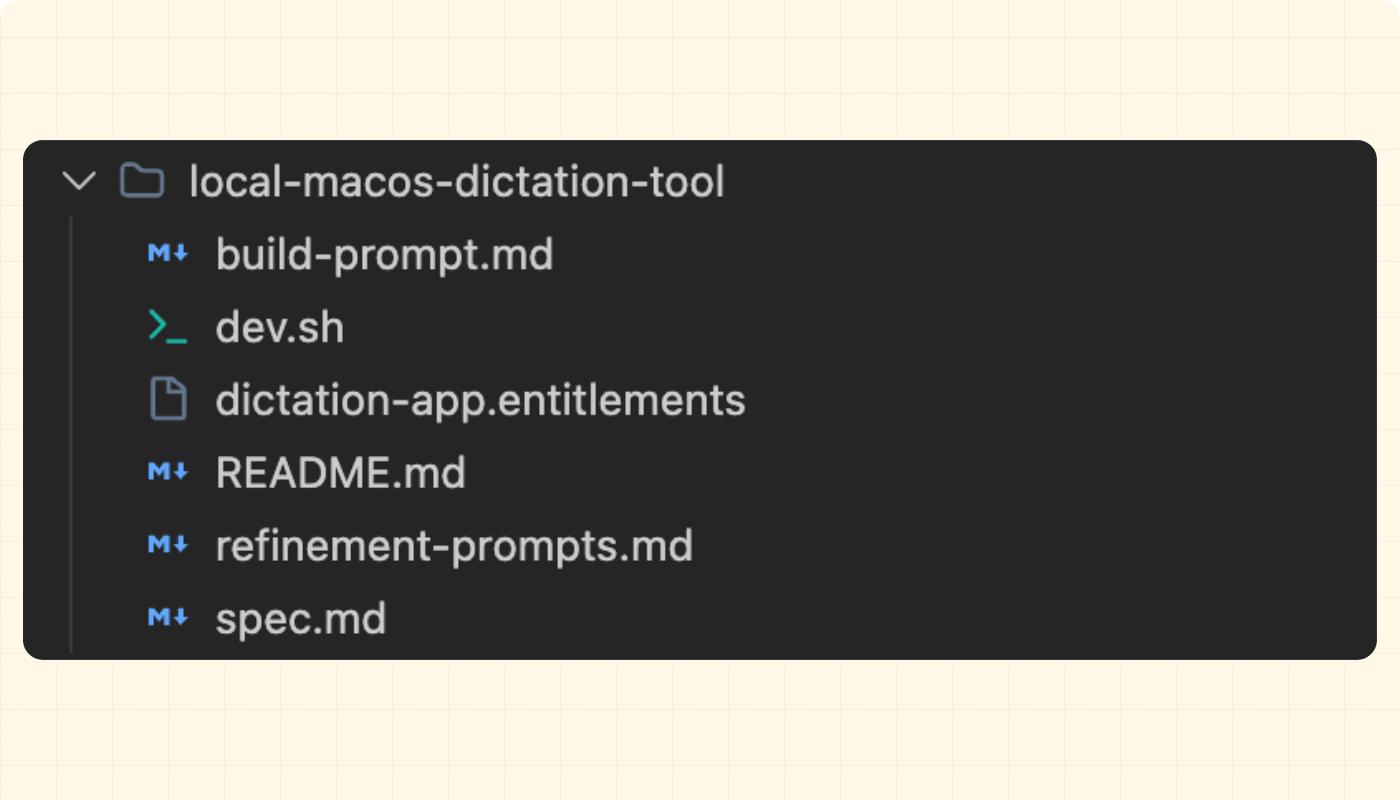
The build prompt, the spec, the dev script, and the permissions file - one download folder, one prompt that builds the whole app.

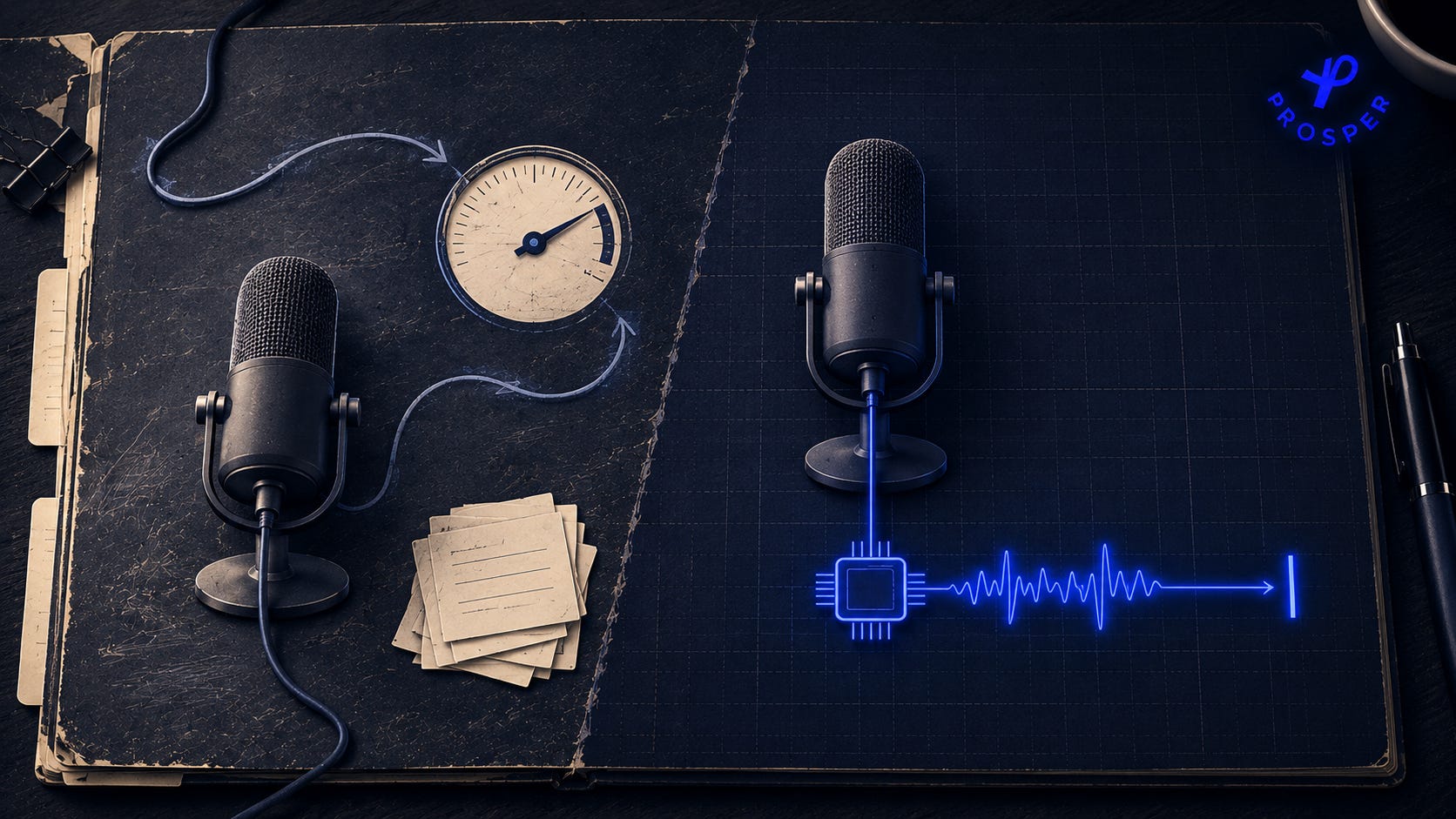
I’ve been using WisprFlow on my laptop for a while now, on a free plan. I sometimes was really enjoying myself just using the tool with no need to type, and get to the word limit faster than I’d like.
So I began to wonder: what if I built my own? Is it possible? Came to find out…
It is possible.
Then I thought about putting it out for people to purchase, even got the website ready:
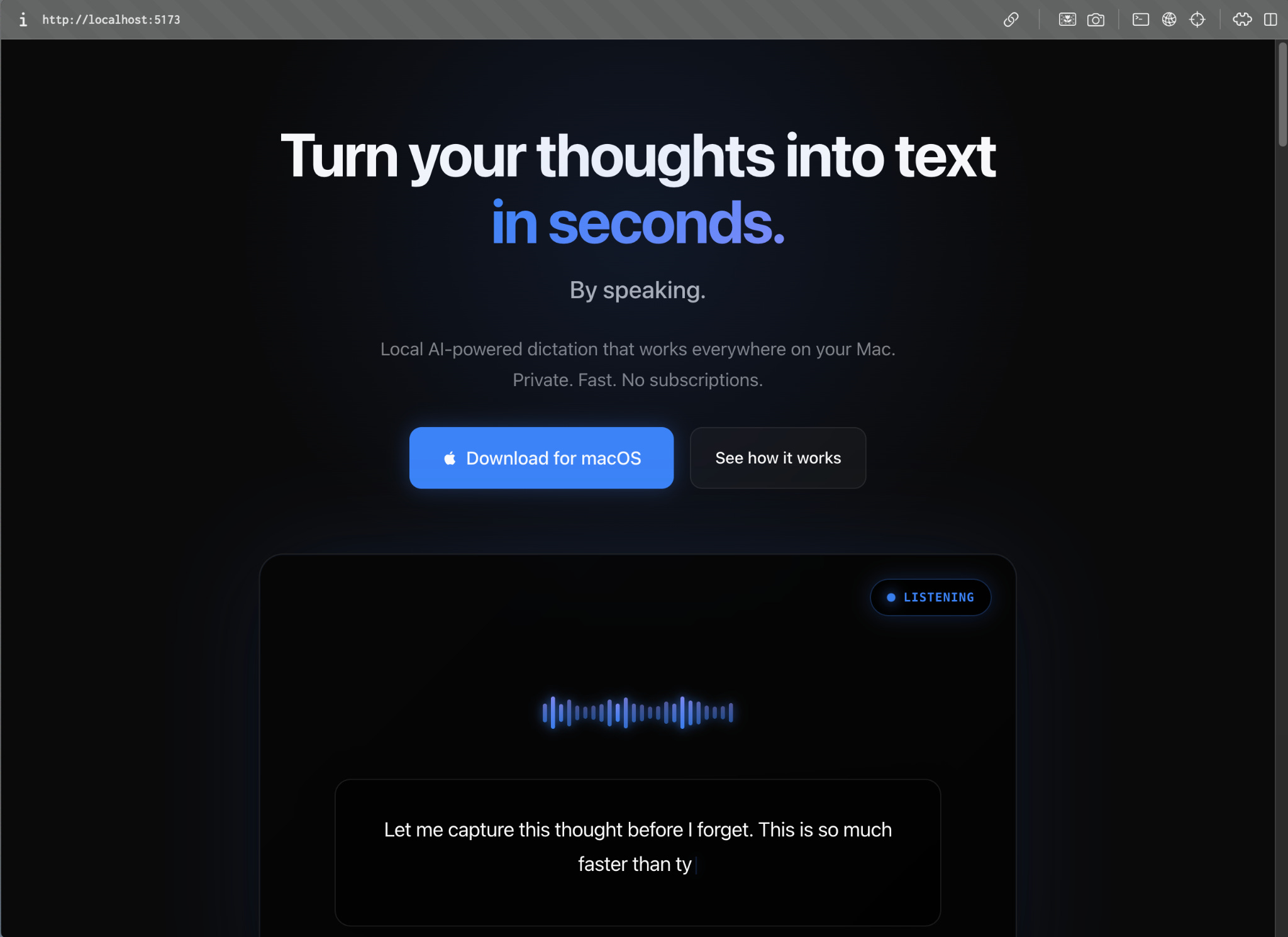
And it just sat there for months...who can relate?
So today, I decided to just give away the guide and folder with everything you need to build your own local dictation app.
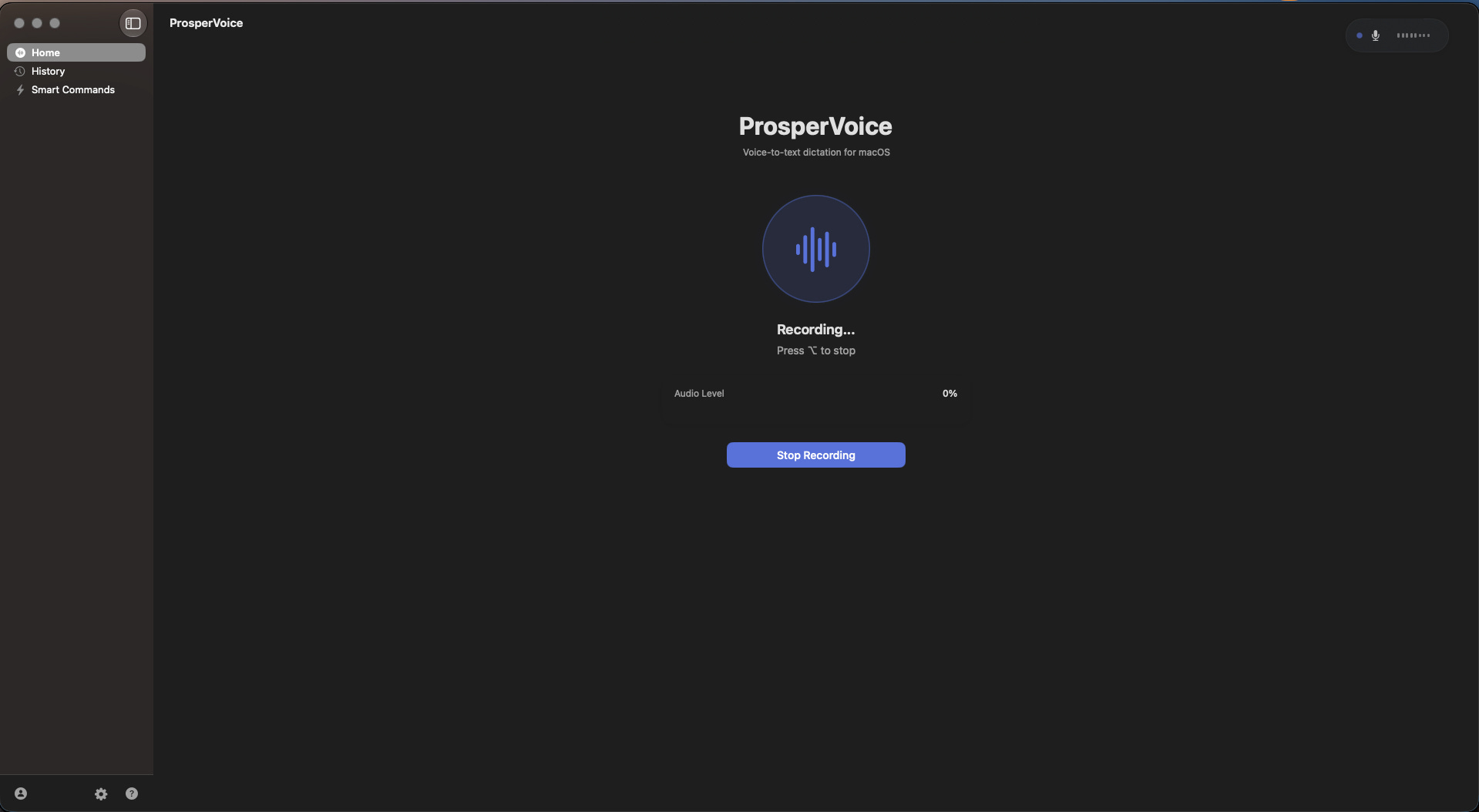
Here’s what it looks like:
By the end of this post, you’ll have:
The ability to build a working local dictation app on your own Mac in about 30 minutes, using the prompt in the download folder below
A download folder with everything you need: the one prompt that builds the whole app, the full spec behind it, a dev script for rebuilding and relaunching from the terminal, a ready-to-use permissions file, and optional follow-up prompts for a settings screen, model picker, recording overlay, and menu bar indicator
The exact permissions and setup steps that silently break this kind of app if you skip them
What you’ll need before you start:
A Mac (Apple Silicon recommended)
macOS 14 or later
Xcode installed (free, from the Mac App Store)
Claude Code, Codex, or another AI coding tool that can build and run a macOS app
The gap almost nobody closes
Open-source Whisper has been good enough since OpenAI released it in 2022, you can grab it free on GitHub. But OpenAI built it for a GPU server, not natively for a Mac. Forking that repo alone wouldn’t have gotten me anywhere.
The piece that makes it usable is WhisperKit, built by Argmax - think of it as a translator. It repackages Whisper into a version your Mac’s own chip can run, and hosts the ready-to-use result on Hugging Face for anyone to grab.
The build prompt adds WhisperKit for you and sets the model size, so the first run downloads it once, automatically.
After that, it runs on your Mac’s own hardware, Wi-Fi off or not.
You won’t visit either site yourself. Your build handles both automatically: Xcode pulls in WhisperKit as a package dependency, and WhisperKit fetches the model from Hugging Face the first time the app runs. Those two links are just there so you know what’s actually happening under the hood.
Ok, this might’ve been a lot, but I will try to make it easier to understand.
I didn’t touch a model conversion pipeline. Argmax did that work. What’s rare is someone wiring the result into a tool they use every day. That means writing a real macOS app:
a global hotkey
a microphone pipeline
text insertion that works in any app you’re typing into
I called my app ProsperVoice, and here’s what’s running under the hood.
I’ve used it for a decent time now. It runs OpenAI’s Whisper, specifically the tiny.en model, the smallest one WhisperKit offers, fully on my laptop.
No account
No internet connection required after setup
No monthly charge, not now and not later. It’s free to run for as long as you want.
No word limits
Lives entirely on your own Mac, not on someone else’s server
Yours to change whenever you want. New hotkey, different model, a feature nobody else asked for. You’re not waiting on a product roadmap.
Two ways to use what’s here: build the whole thing for yourself, or send this to the person in your life who complains about their AI subscriptions every month and never does anything about it.
What you’re actually paying for with a tool like WisprFlow
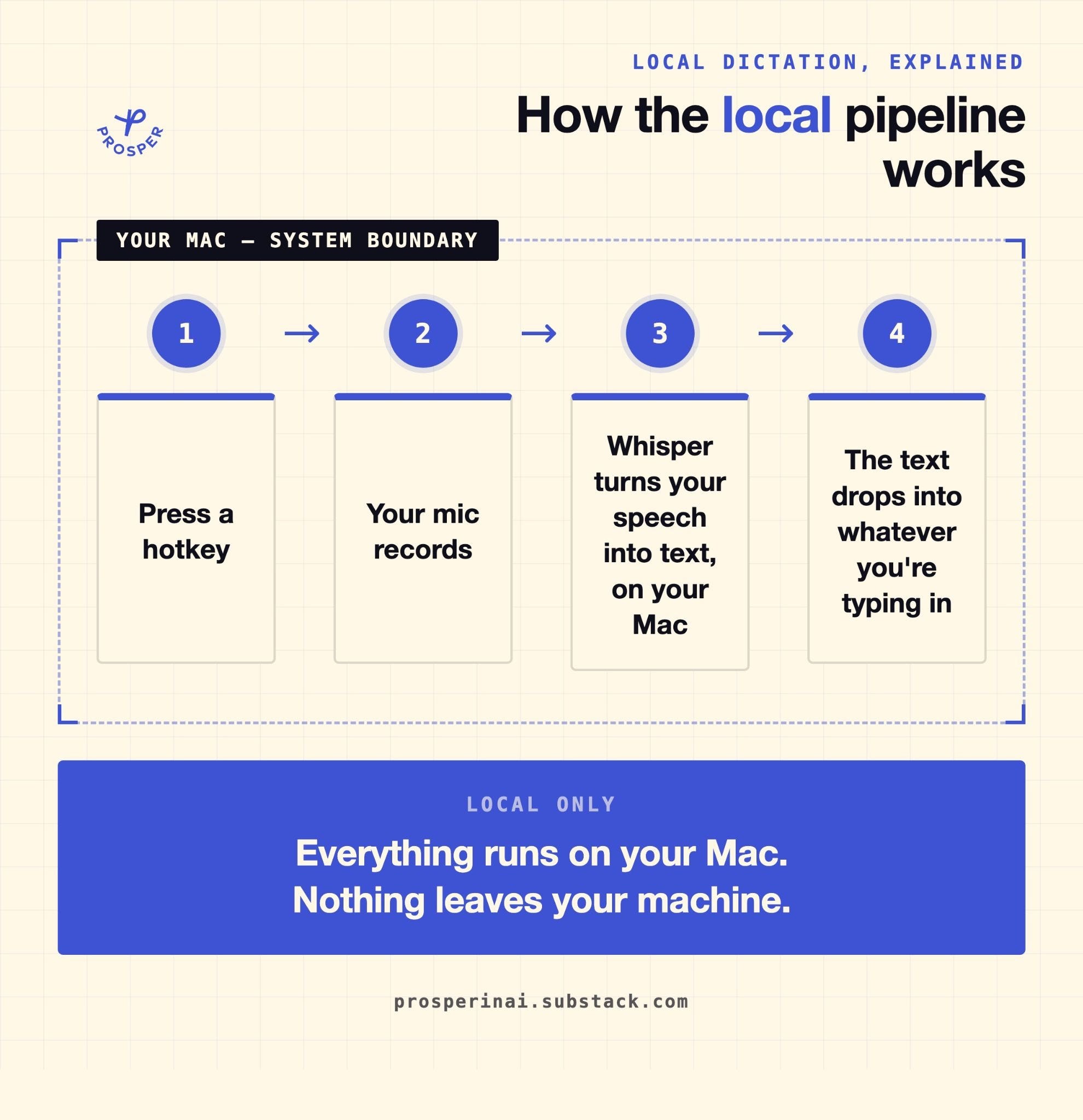
What I understood when building this tool is that WisprFlow, Typeless, and similar tools might be offering you a slightly better transcription model than what the tool we’re talking about here can offer. But that’s not what the subscription is actually buying you. What it covers is the part that is hidden. Someone already built the four pieces:
The hotkey capture
The audio pipeline
The model hosting
The text insertion
Then they packaged all of that behind a subscription, so you don’t have to build it yourself. Plus, they made it pretty.
Once you see the pipeline as four separate pieces, the subscription math changes. Here’s the pipeline, end to end:
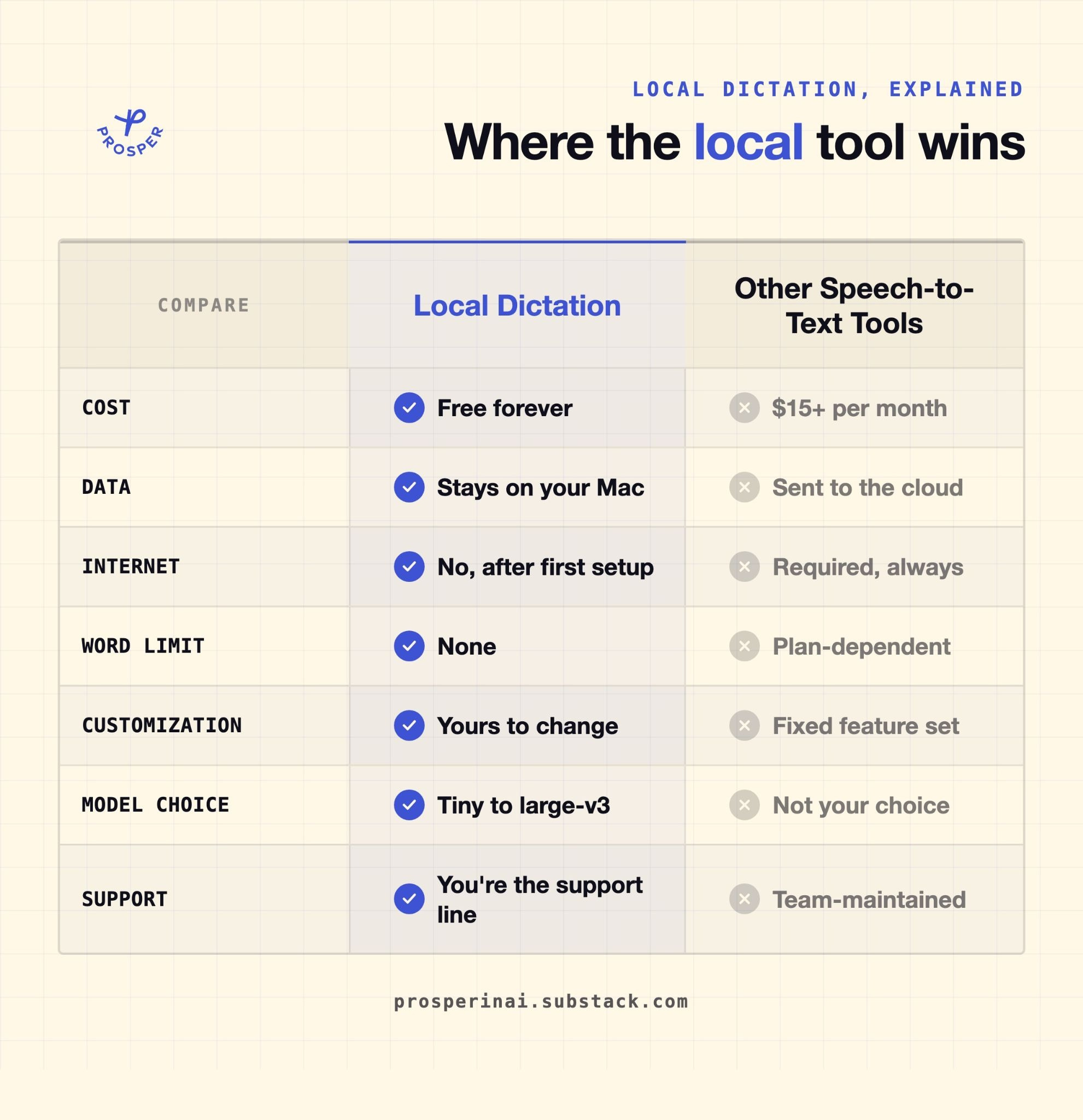
This post is my attempt to show you what’s actually possible here. Tools like this are only going to get more common. You can build one yourself. Hopefully, this comparison table helps you understand what you get behind this paywall:
Let’s build it.
