

How To Build Your First Claude Code Artifact That Lasts
The exact system, the prompts, and 2 starter kits to build your own with.

The first instinct with Artifacts is quick, throwaway visualizations. A chart to check a number. A mockup to show someone an idea. Something you generate once, look at, and forget.
That’s not what Artifacts are for, though. Not anymore. About 3 weeks ago, Anthropic announced Artifacts shipping in Claude Code

The post hit 5 million views in 3 weeks, so there’s real interest there.
An Artifact, in short: a real webpage Claude builds and hosts for you. An actual link, live, that you or anyone else can open. Before 3 weeks ago, Claude Chat and Cowork were the only places you could build one. I’ve got an artifact in each of these: five Cowork personas that turn it into specialized tools and five Cowork workflows that hand you finished work instead of a rough draft.
Now Claude Code can publish them too, straight from your own files
So I got excited.
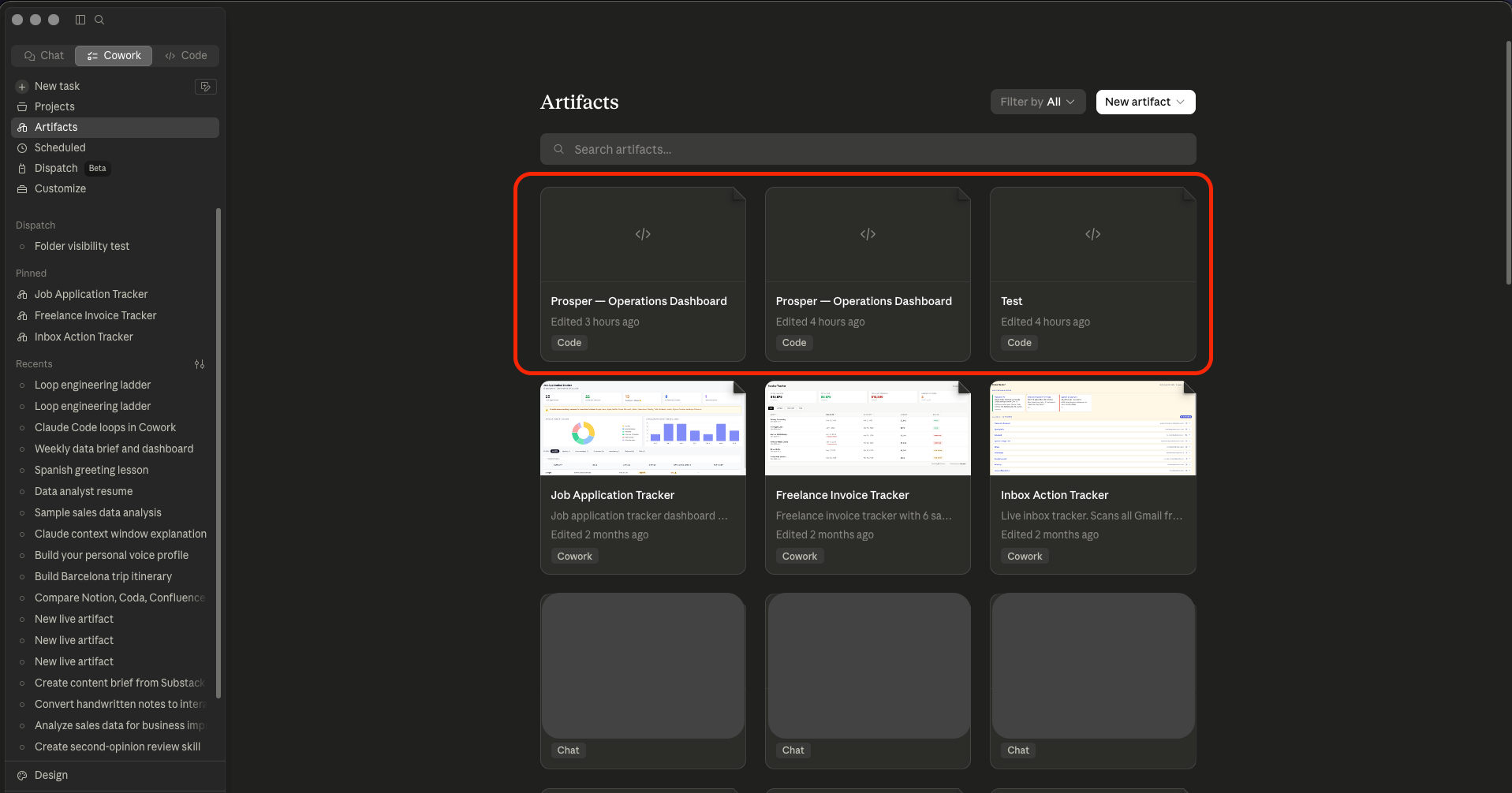
They also show up wherever you work. Every Artifact I’ve built in Claude Code shows up in Cowork too. Once you click on it, it opens a web page for that artifact. You can’t edit it from there, though: an Artifact is viewable, not editable.
To change one, you go back into a session, hand Claude the URL if it’s a different session than the one that made it, and ask it to revise. Claude republishes to that same link.
I run Prosper the way most solo operators run anything, scattered across files:
content schedule in one place
ideas backlog in another
published-post metrics in a spreadsheet-shaped markdown file
research notes somewhere else
subscriber count locked inside Substack’s own dashboard page
Every week I’d open four or five files to answer one question: what’s actually going on right now? I kept meaning to set this up properly in Notion. I did it, and it looks nice, but I haven’t truly used it as well as I should. I mostly live now in Claude Code and my IDE with a bunch of folders, so the problems that I had with it were:
leaving Claude Code
re-modeling my data into someone else’s schema
maintaining a second system that doesn’t know anything about my files
So whenever Claude Code Artifacts came out, I immediately got interested. I asked Claude Code to build the dashboard instead, pointed directly at my own folders, and voila.
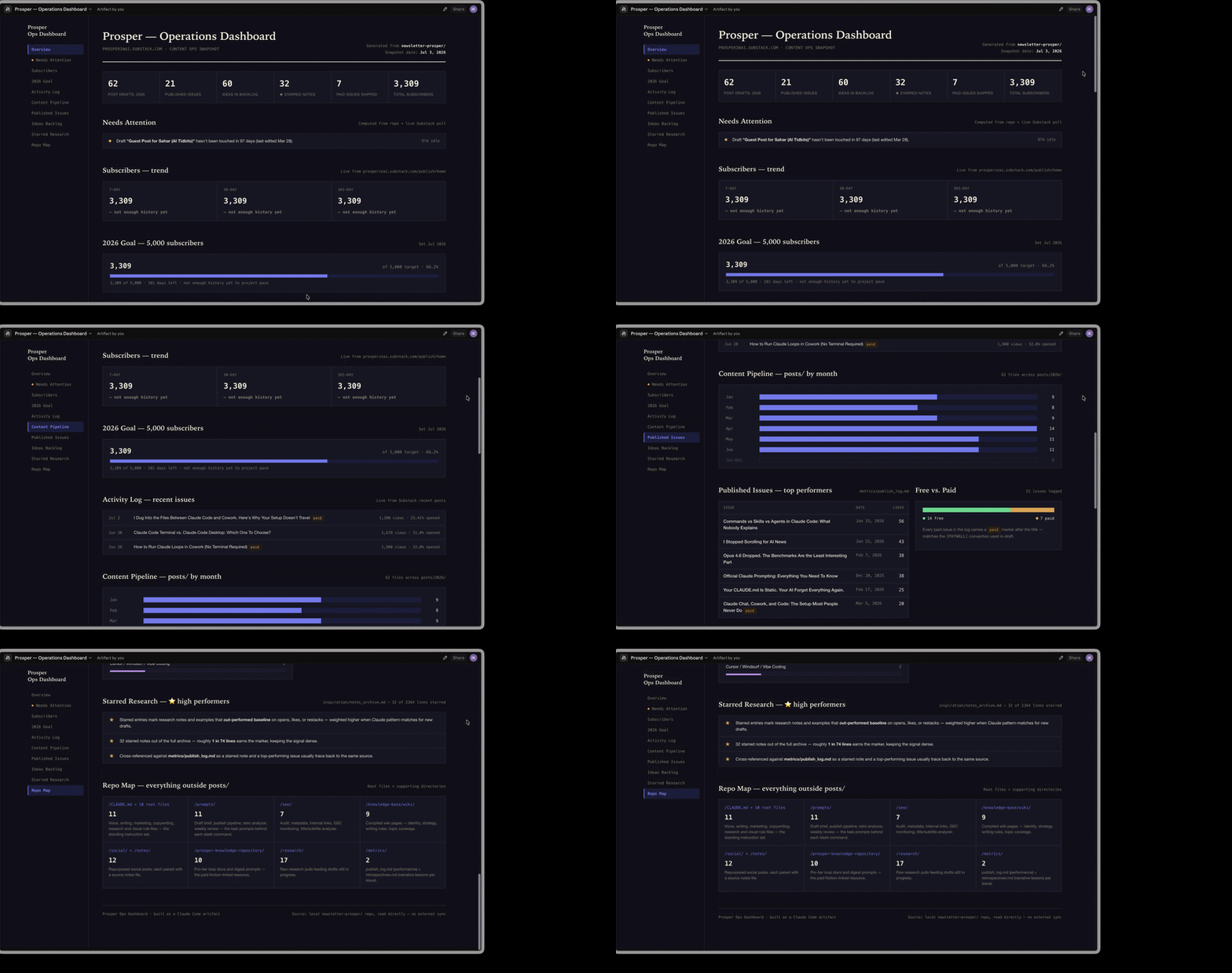
This was made directly from my Claude Code folder.
Build your own version of this today, using the same system and files I’m about to walk through. The dashboard is the example I use because it’s what I built, but the pattern works for any Artifact you want to keep alive: a client report, a project status page, a research summary, anything that currently lives in your files and deserves a stable link instead of a one-off page.
By the end, you’ll have:
A working pattern for turning any project’s files into a real Artifact
A starter kit for any Artifact you want to build
A starter kit for a dashboard-specific Artifact (the fully built example from this post)
The exact prompts and file structure that make an Artifact durable instead of disposable
But durable doesn’t happen by default. It happens when you stop treating an Artifact like a single request.
Let’s do it.
A Claude Code Artifact isn’t a demo. Treat it like a system and it replaces a real tool.
The dashboard you keep meaning to set up in Notion is already sitting inside your own files. Claude Code can turn it into an Artifact without you leaving your session. But only if you treat the build like a system. A single prompt won’t get you there.
The usual first Artifact goes the same way as the hook: “make me a dashboard,” a nice page appears, end of story. Looks great for a week, then goes stale. A single prompt lets Claude pick the design, the data source, and whether the thing even persists. You get out what you put in.
I’d bet a chunk of you reading this are already thinking: I have Notion. I have Airtable. I have whatever.
Why would I roll my own?
Fair pushback.
Notion and Airtable are built by a team, have real permissions, and don’t break when you rename a file. But you pay for that in three ways:
their schema
their views
their limitations
your money (not always)
The dashboard I built is exactly what I wanted, from the files I wanted, and I have complete control of customizations. No view to approximate, no field to rename my data to fit. That’s the real trade, worth naming honestly instead of pretending there’s no cost either way.
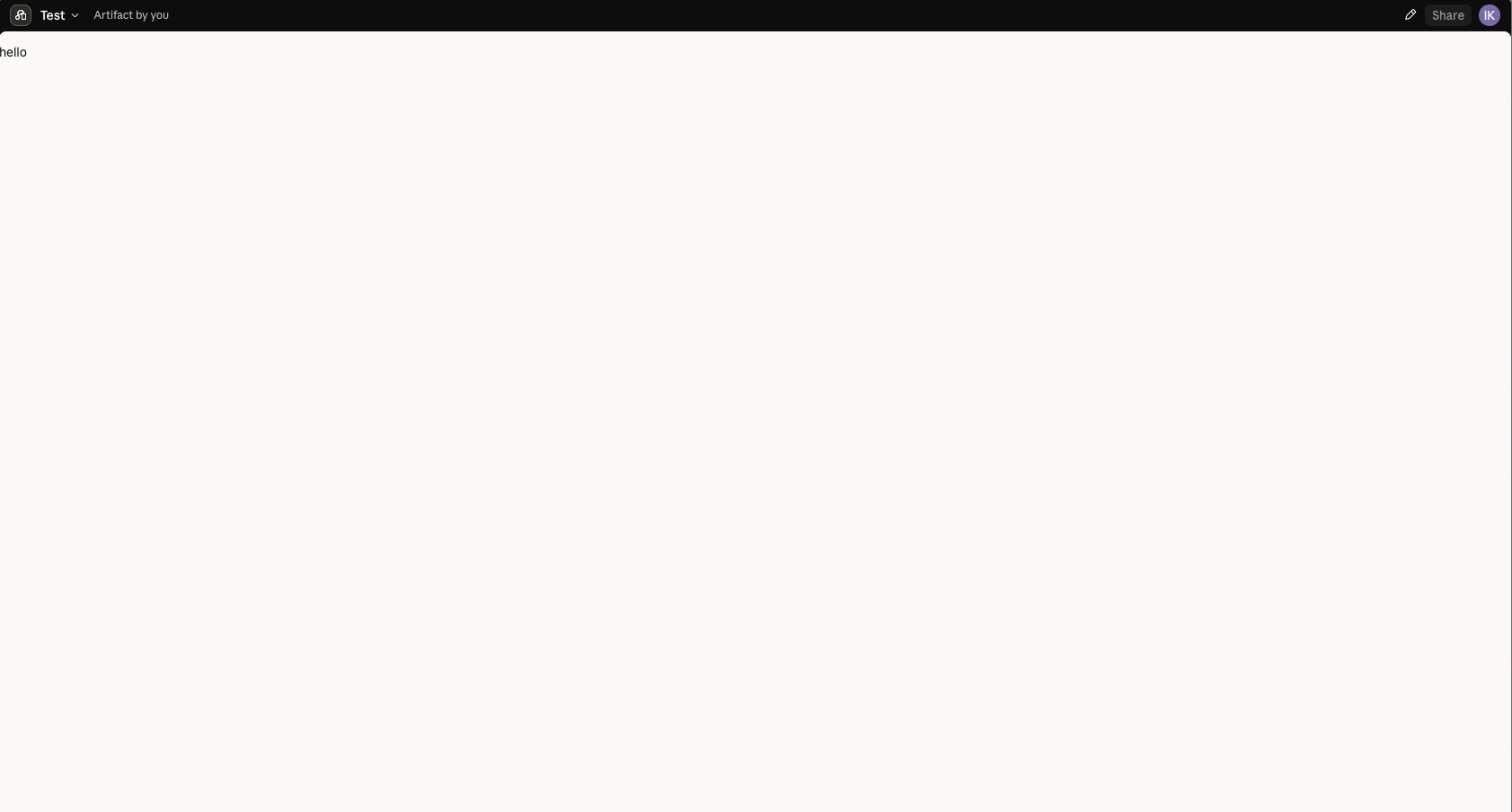
Before any of that, I ran the smallest possible test: one prompt asking for a page that just says "hello." It published to a real claude.ai/code/artifact/... URL, live, on the first try.
And it worked.
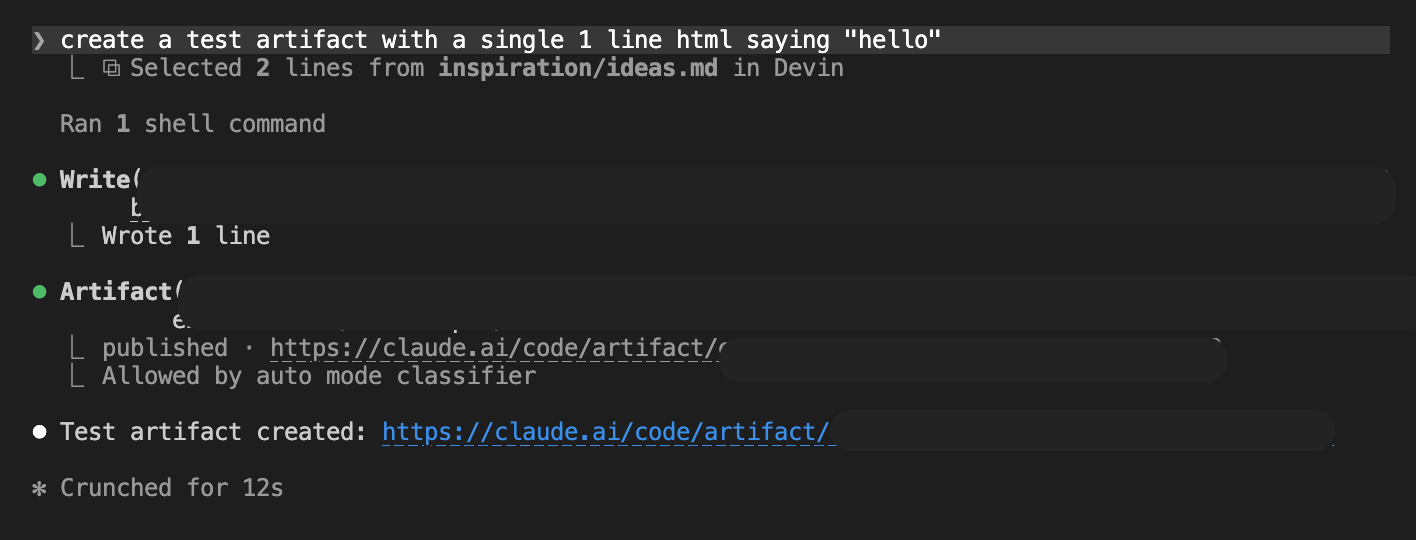
In this post we will go from here:
To this:
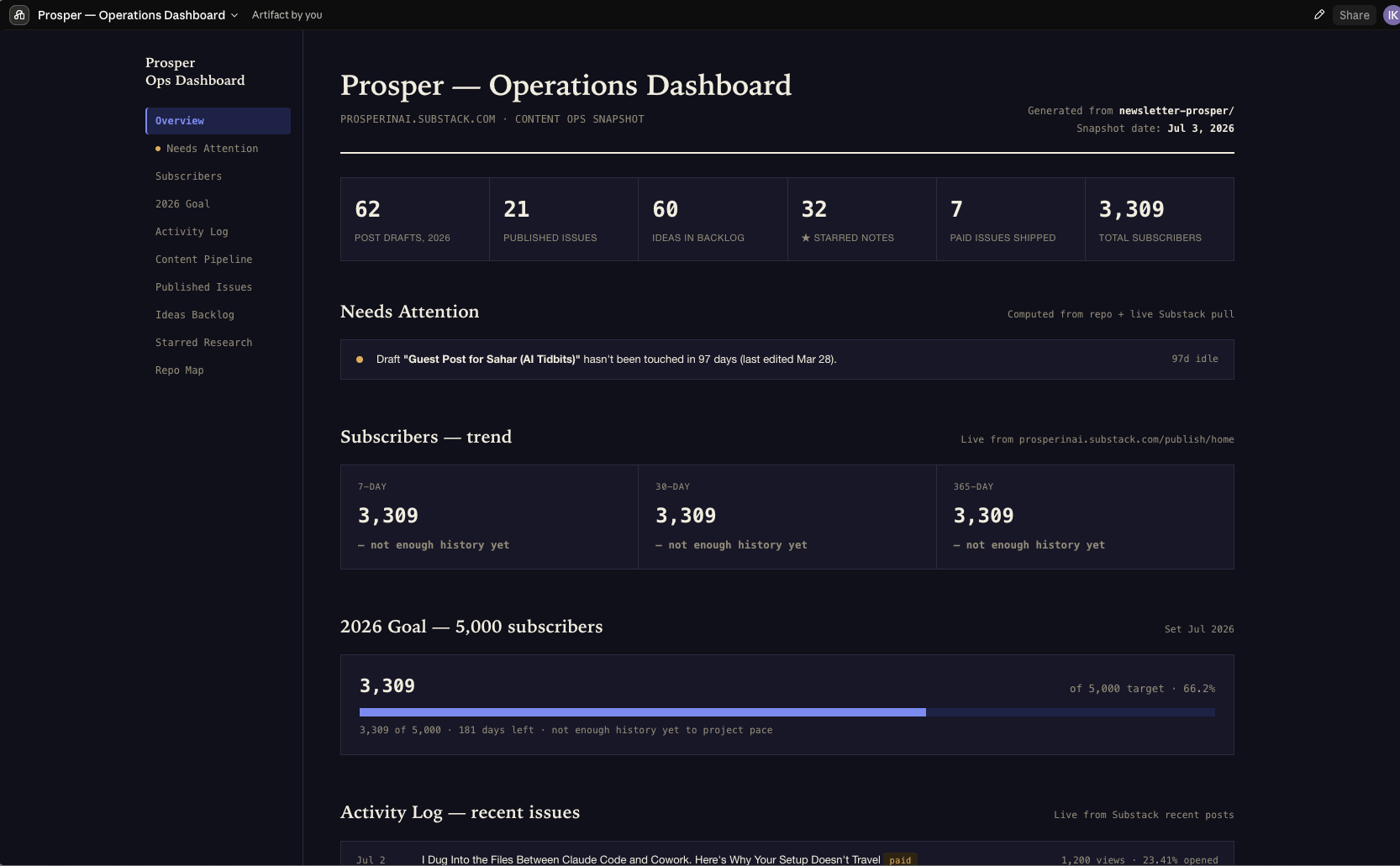
So let me walk through what actually changed things, in order of impact.
Two ways to use this post: build your own Artifact with the prompts below, or skip to the downloadable folder with 2 starter kits at the end and run the whole system.
